Drop your email below for exciting news about the latest Scrimba courses, special offers, career tips, student success stories, tech resources, animal pics, and more!
🔁 New Course: Learn DevOps
|
Hello Reader, Building something that runs on your computer is the easy part. Turning it into a product other people can actually use, and keep using as you improve it, is called DevOps (short for "development operations"). Here's what you'll learn, explained: 🐳 Containers and Docker: An app that works on your computer might break on someone else's, because of differences in software versions or settings. Docker solves this by packaging your app with everything it needs into one self-contained unit called a container. That container runs the same way on any computer. You'll also learn Docker Compose, for running multiple containers together, and volumes, a way to keep data around even after a container restarts. 🚀 Deployment: This means taking your app off your computer and putting it on the internet so anyone can visit it. You'll deploy a real app using a hosting service called Render, set up a custom web address, and add a health check, a simple page your app uses to tell the outside world "I'm still working." You'll also learn how to shut your app down safely, so a restart doesn't cut people off mid-action. 🔁 Continuous Integration (CI): A system that automatically checks your code every time you make a change, before anything reaches real users. You'll set this up with GitHub Actions, plus automatic formatting (Prettier) and error checking (ESLint), so mistakes get caught early, rather than after they've shipped. 📦 Continuous Delivery (CD): What happens after your code passes its checks, getting it live safely. You'll learn how to automate deployments, how to change your database's structure without breaking things people are already using, and how to use feature flags, a way to turn a new feature on or off without redeploying your app. You'll also learn rollbacks: undoing a bad release in seconds if something goes wrong. 🌍 CDNs (Content Delivery Networks): When your app suddenly gets a lot of visitors, a single server can slow down or go offline. A CDN is a network of servers around the world that stores copies of your content closer to your users, so your app stays fast no matter where people are visiting from. You'll also cover caching and basic protection against traffic-based attacks. Put all that together, and you've got what it takes to run a real, live product, something you could sell, maintain, or hand off to a team. If you're ready to graduate from toy projects to real apps for real users, head to the course!
Feature Update: Can you support Explain by Scrimba on Product Hunt?
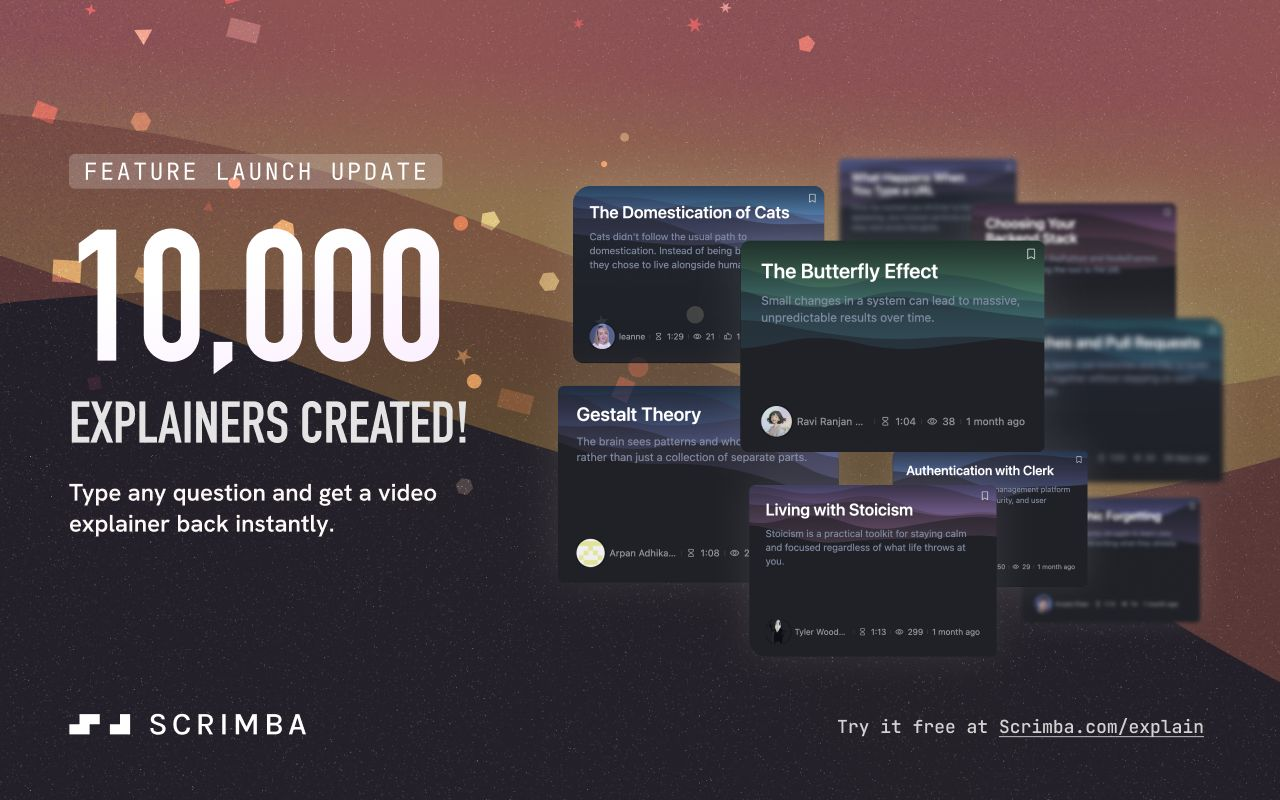
Have you tried Explain by Scrimba yet? It lets you type any question and get an instant video explainer back. We just crossed 10,000 explainer videos, and it only took one month! All this for free while it's in beta. Speaking of Explain, we'd like to ask you a favor. We’re launching it on Product Hunt next Thursday, August 13, and we’d love your support. Here’s the catch. Your upvote only counts if your PH account has some activity first. So this week, go follow us via producthunt.com/products/scrimba, poke around, and upvote a few other products you genuinely like. Then come back Thursday and give us the thumbs up. Click below to add the reminder to your calendar. Thank you for supporting Scrimba! Let's build something incredible! Per Harald Borgen CEO at Scrimba PS: I'll be chatting to Tom, our Devops instructor and Head of Education, at the Scrimba Town Hall on Discord today at 5pm BST. Would love to see you there! |
Scrimba
Drop your email below for exciting news about the latest Scrimba courses, special offers, career tips, student success stories, tech resources, animal pics, and more!
Hello Reader, Two new courses are live today. Start by learning to work with AI coding agents, then build an agent of your own. Learn Agentic Coding (Free) AI coding agents can read a codebase, edit several files at once and run tests alongside you. This course shows you how to give them the right context, check what they change and keep your project safe. Inside, you'll: ✍️ Write prompts that get targeted, useful changes 🗺️ Break bigger tasks down with plan mode 🧪 Check agent changes with...
Hello Reader, Explain has had a busy week. Here's what's new. 🤖 Explainers from ChatGPT 🖼️ More pictures. Your ratings told us you want more visuals, so explainers made in ChatGPT now lean towards images and infographics. An image created with Explain in ChatGPT. Watch the Explainer here. 🎬 A quick check before cinematic requests. Explain makes narrated, image-based explainers rather than film or 3D animation. If you ask ChatGPT for cinematic footage or a 3D animation, it now checks with you...
Hello Reader If it feels like AI isn't pumping the brakes anytime soon, you're not imagining it. This month alone brought a new model, new tools, and a whole new way to practice on Scrimba. Blink and there's another release. But this is also the last edition of September, which means spooky season is officially loading. So grab your pumpkin spice latte and let's close out the month together. Want to make sure the newsletter lands in your inbox each week? Sign up by clicking the button below:...