Drop your email below for exciting news about the latest Scrimba courses, special offers, career tips, student success stories, tech resources, animal pics, and more!
What's new in Explain: Edit anything and workspace editing (15–21 October)
|
Hello Reader, Plenty went out in Explain this week. Here's what's new. Short on time? We made this week's update as an explainer too. Watch the explainer for the two-minute version, or read on.
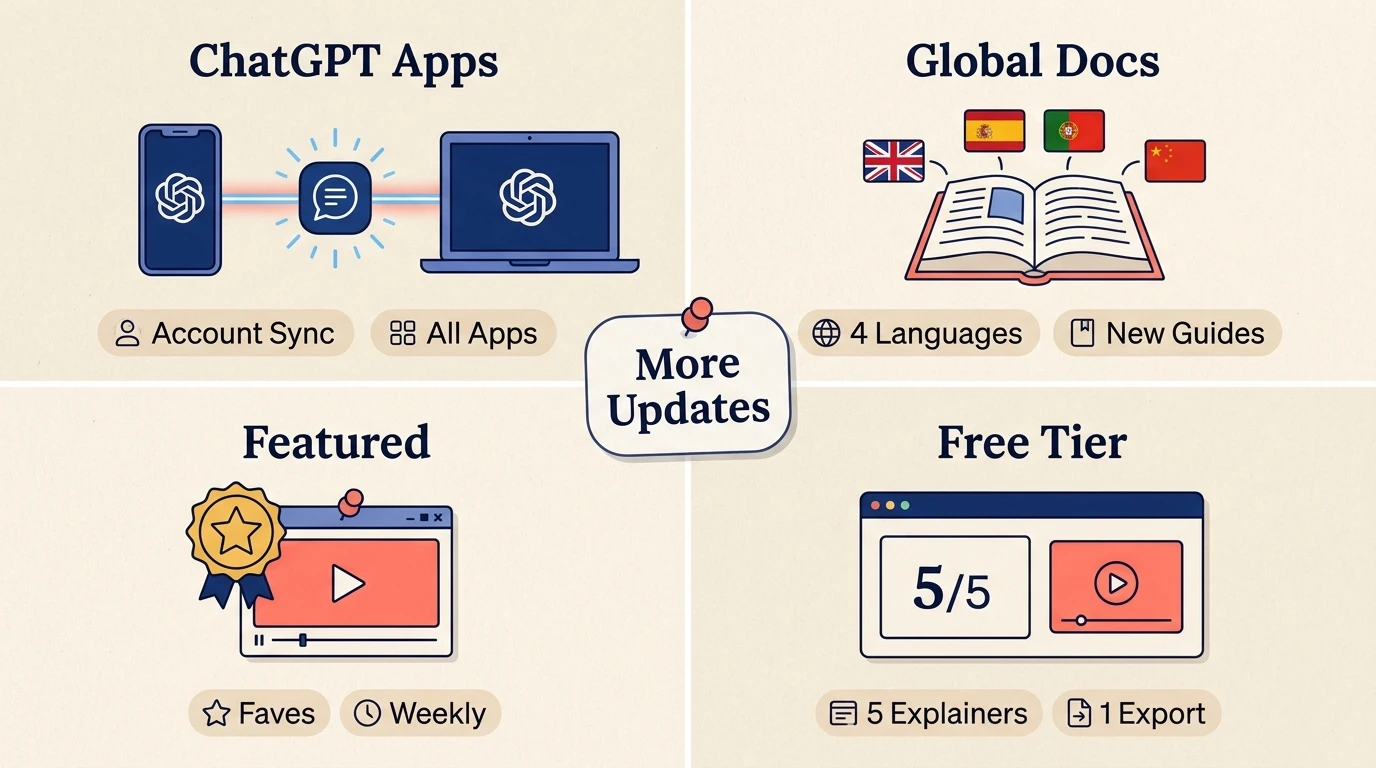
✏️ Making and editingEdit anything. The edit box under the player now takes any change, not only a redo of one slide. Add a slide, delete one, move the quiz to the end or rewrite the intro. Each edit is planned afresh, so "put an image here" now adds one. See every slide on the timeline. The timeline now breaks into one segment per slide. Hover a point to see that slide, with its title and time, before you jump to it. 🤖 Explainers from ChatGPTConnect your account from any Explain app. Sign-in now works in the Kids Book Maker and Scrimba Code apps as well as Explain in ChatGPT so what you make there is saved to your account. 🏢 Teams and developersEdit together. Everyone in a workspace can now edit the explainers it owns: redo a slide, regenerate the narration, or change the language and voice. Deleting and exporting stay with the creator and the admins. Transcripts and citations in the API. The developer API can now return an explainer's narration as text, line by line, each line with citations to the parts of your attached files it draws on. 📚 DocsOne new page and four updated ones, in English, Spanish, Portuguese and Chinese:
🌟 Explainer of the week
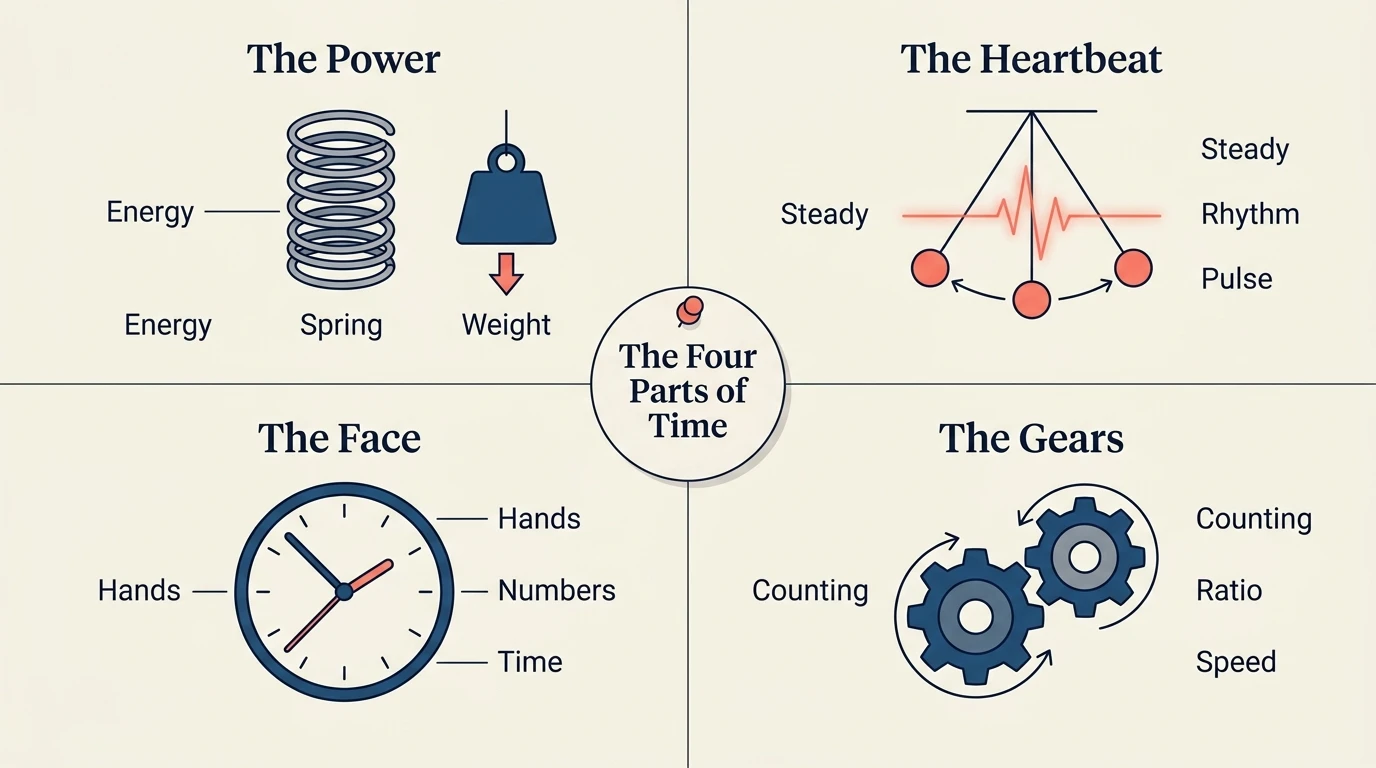
Each week the Scrimba team head to scrimba.com/explain and feature some of our favourite explainers made by you, the Explain users. Here's one of our faves from the last seven days. This week's pick is How a Clock Works: the power, the heartbeat, the face and the gears, and how a steady pulse becomes the movement of time. 👀 In the pipelineHere's a look at what's coming soon to Explain.
Want to see everything Explain can do? The Explain docs cover it all, from your first explainer to the API. And if you'd like to talk to the Explain team directly, join our early-user WhatsApp group. That's all for this week. Got something you've been meaning to understand? Make an explainer and see the new bits for yourself. Until next week, Per Harald Borgen CEO at Scrimba PS: If there's something you'd like Explain to do next, please reply to this email. We read every one. |
Scrimba
Drop your email below for exciting news about the latest Scrimba courses, special offers, career tips, student success stories, tech resources, animal pics, and more!
Hello Reader Happy weekend! On Thursday, a big chunk of Microsoft's cloud went down and took Outlook and Teams along with it. For some of us, it felt like a snow day, the kind where class lets out early. For others, it was a day-long headache, plus the dread of the hundreds of emails bound to land the second everything came back. Either way, it's a good nudge to check how many of your eggs sit in one basket. Where does your code live? Where do your notes, your deploys, your logins live? And...
Hello Reader, Explain had a busy week. Here's what's new from 5 to 12 November. ✨ 🎬 Better-looking explainers Walkthroughs from screenshots. Attach screenshots of an app or web page and the video zooms in on each part as the narrator explains it, while the rest of the picture dims. Try it in Explain in ChatGPT. Moving diagrams. Diagrams can now animate part by part, in step with the narration. Pointing at tables. The narrator can now point at a single row, column or cell, not only the whole...
Hello Reader, We're planning which courses to make next, and we'd love your help picking them. Tell us the top 5 courses you'd start straight away if Scrimba offered them. It's one short form: up to five course ideas, plus a quick question about why you're learning with us. Fewer than five is fine. A line on why you'd take each one helps a lot. "React" tells us a little. "React Native, because I want to get my app on the App Store" tells us exactly what to build. We read every answer, and the...