Drop your email below for exciting news about the latest Scrimba courses, special offers, career tips, student success stories, tech resources, animal pics, and more!
📸 Screenshot of July
Hello ReaderWhen you're climbing something, you rarely feel how high you've gotten. You're too busy looking to the next step. It's only when you stop and turn around that the ground looks far away. End of the month is one of those turn-around moments. A chance to look down and notice you're not where you started, even if the last few weeks felt like the same handhold over and over. You don't have to have arrived anywhere. You just have to have moved. So, turn around for a second. How far down is the ground from where you're standing now? Before we jump in: if you haven't yet subscribed to our weekly email updates, you can do so by entering you email here! TL;DR◉ New Courses: New and improved Python course ◉ Challenge Winner: Swastik Kaurav wins the challenge with a time travel Explainer! ◉ Partnerships: Get 40% off CodeCrafters ◉ Portfolio of the Week: Let’s celebrate what you’ve built! ◉ Poll of the Week: How do you write commit messages + last week’s results! New Courses
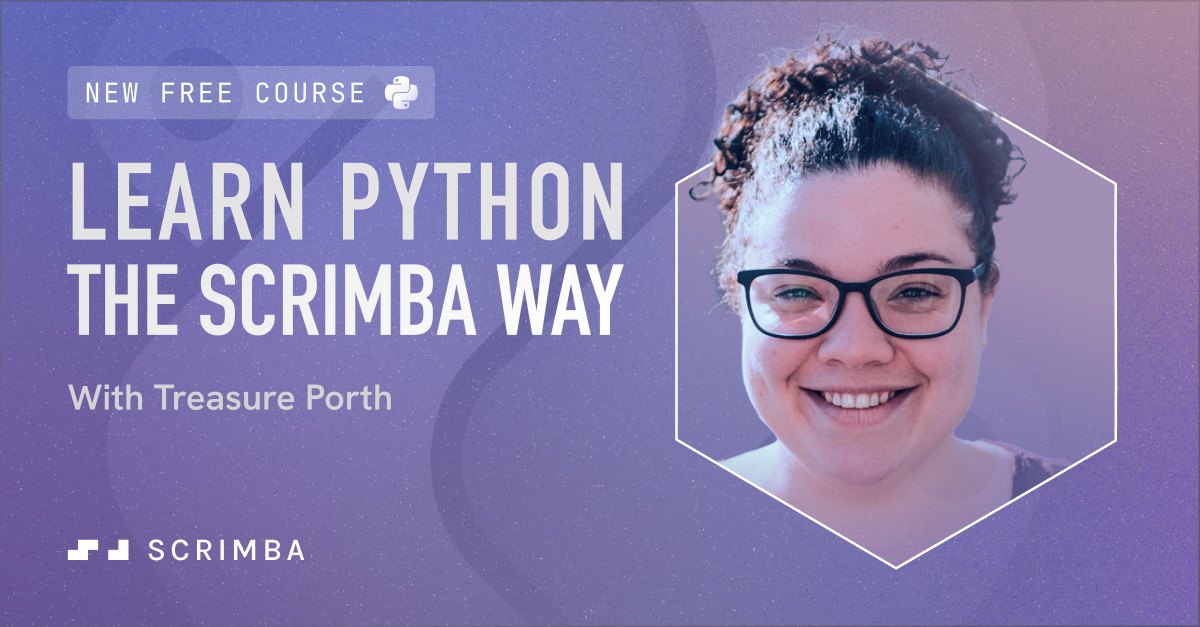
We just launched our new and improved Python course, and it’s free! The previous course had turned five, so this is a full rebuild for how Python gets written in 2026, with more Python content already on the way. Built for anyone who’s never written a line of code, it starts from the absolute basics: variables, strings, capturing user input. Then you put every concept to work on a real project. There are three of them: PayUp, a working expense-splitter, a word-scramble game that covers lists and loops, and a karaoke queue manager for functions and return values. Same Scrimba approach you know, lesson then project, so every concept goes straight into something you’re building. By the end you’ve got three working projects and a solid grip on the fundamentals. But wait, there’s a giveaway too! Repost the launch post and comment why you’re learning Python for a chance at a free year of Scrimba Pro. Two winners will be selected on Monday, August 3. Happy coding!
Challenge Winner
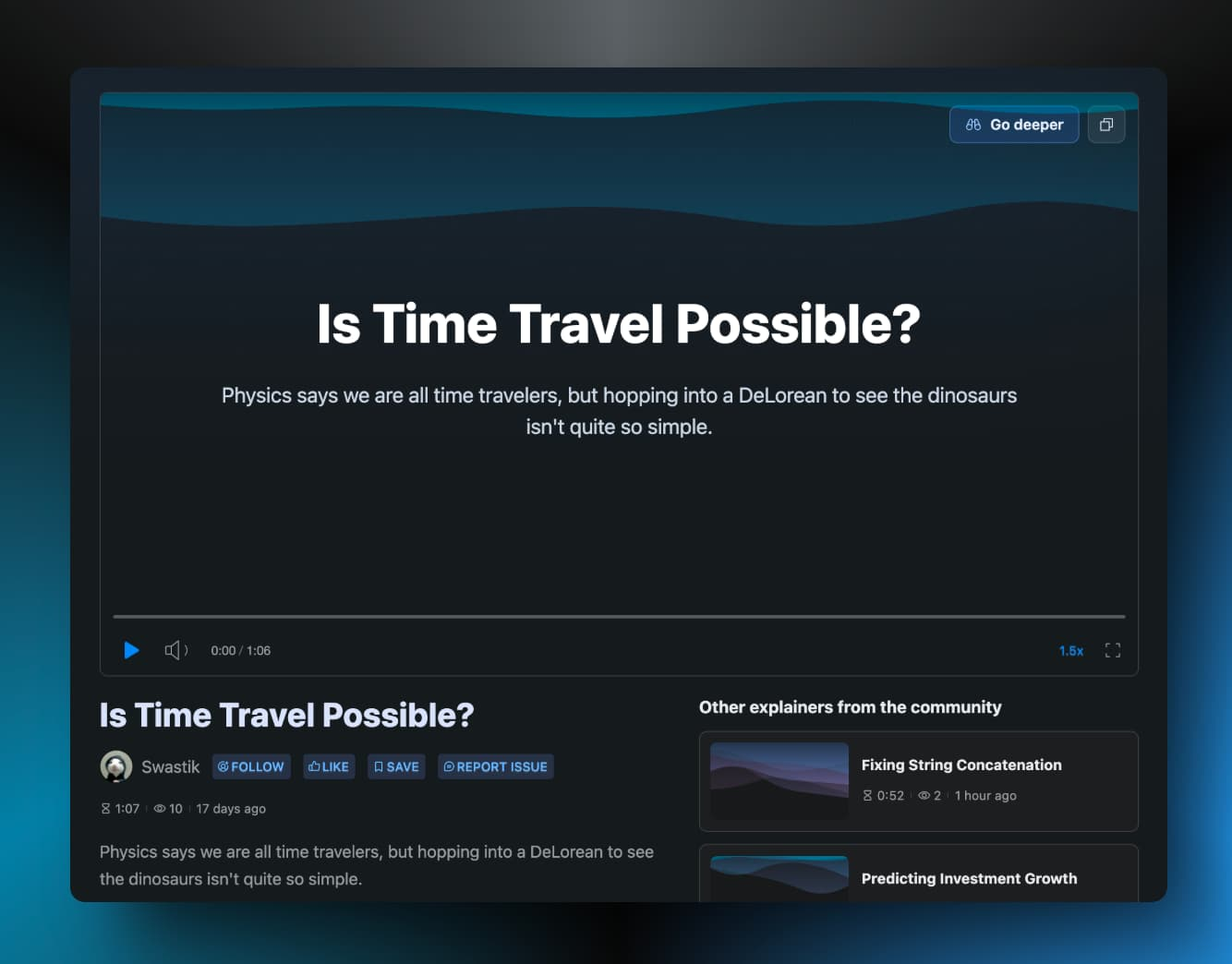
Earlier this month, we beta launched Scrimba Explain. Explain is the button that turns any moment in a scrim into a short, on-the-spot video walkthrough. Stuck on a concept? Hit Explain and it talks you through it. To mark the launch we ran a challenge, Share Your Passion, and Swastik Kaurav won it with “Is Time Travel Possible?” Not a line of code in it, which is the point: Explain works on more than syntax. Nice work, Swastik! A $50 merch coupon is headed your way, and you’re getting the featured spot right here. Haven’t used Explain yet? It’s still in open beta and free right now. Hit it on any scrim, or point it at whatever’s rattling around your head.
Smarter Sundays
They say you should learn something new every day. Why not start with Sundays? Smarter Sundays drops a fresh lesson into your inbox each week, spanning frontend, UI design, backend, algorithms, and AI engineering. Bite-sized, hands-on, and made for devs in the early chapters of their career. First up? A look at why fonts deserve way more credit than they get. They quietly shape the entire feel of your project before anyone reads a single word. Hit subscribe and we'll see you Sunday Portfolio of the Week
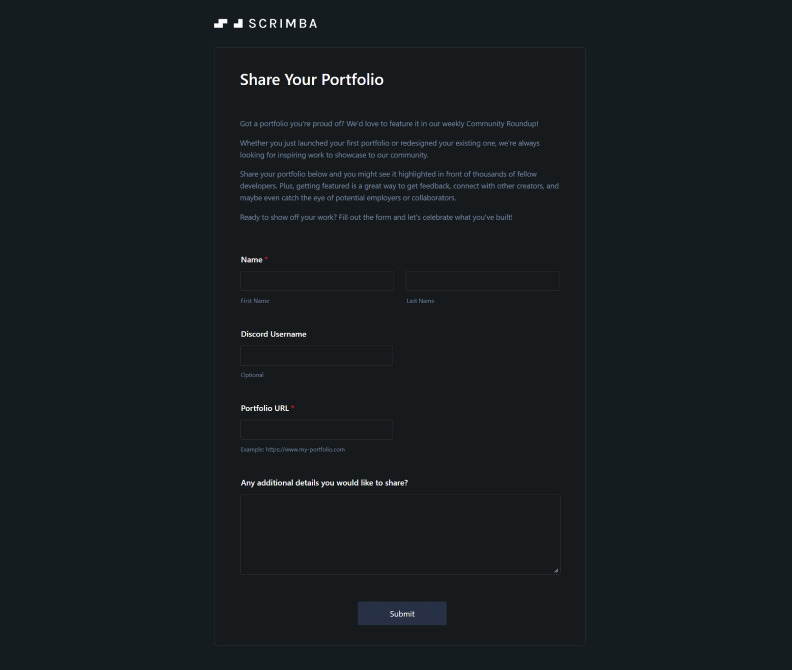
Looking to get out of your comfort zone and get some feedback on your work? We’d love to feature your portfolio in our weekly Community Roundup! Whether it’s your first portfolio or your fifth redesign, submitting your work is a great way to get constructive feedback from fellow developers and potentially connect with employers or collaborators. Don’t worry if your site isn’t “perfect” yet. Sometimes the best portfolios are the ones that show personality and growth. Getting featured can open up networking opportunities and help you see your work through fresh eyes. Ready to take the leap? Submit your portfolio here and let’s celebrate what you’ve built together! Partnerships
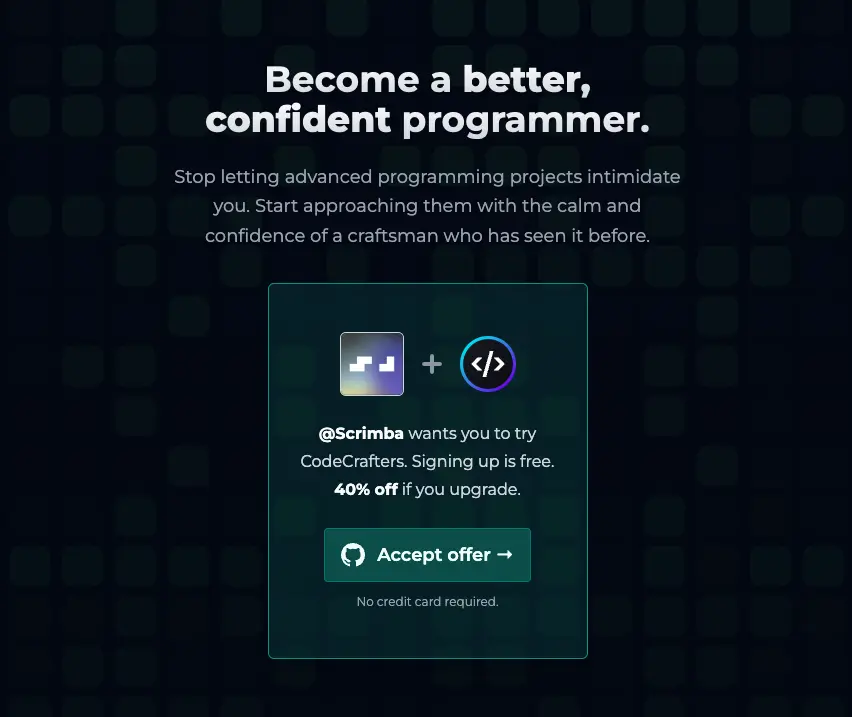
We’ve partnered with CodeCrafters, a platform built for developers who want to go beyond tutorials and actually build real-world software from scratch. Think: building your own Redis, your own Git, your own HTTP server. Challenging, hands-on, and genuinely good for your skills. Scrimba users get 40% off when upgrading, and you can sign up for free using the link below.
Poll of the Week
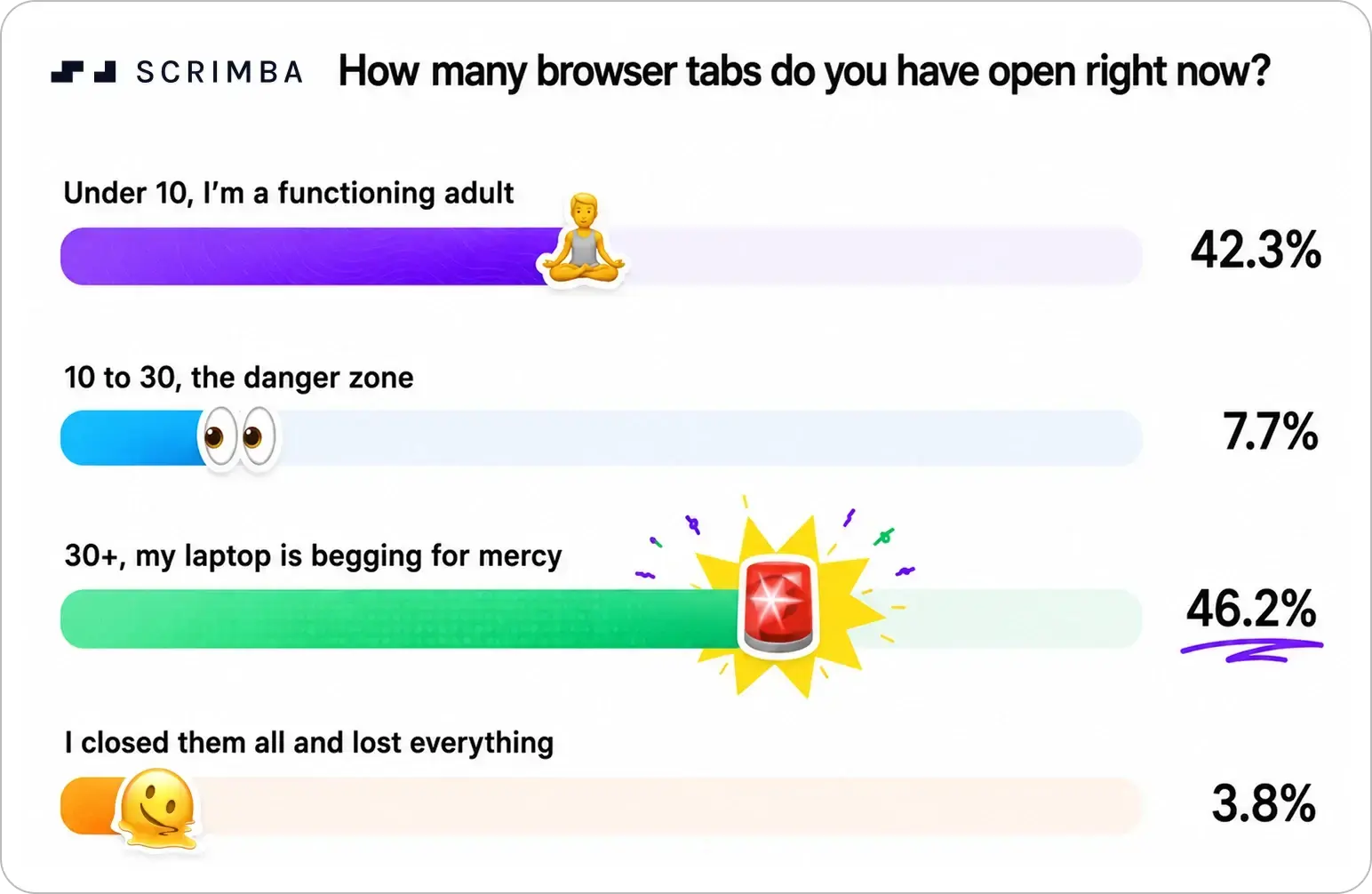
It was all or nothing this week. 46.2% of you are running 30+ tabs (we’re praying your RAM can handle the heat) and 42.3% keep it under 10. The danger zone in between? Basically abandoned. This week, time to confess: what does your git log actually look like?
Meme of the Week
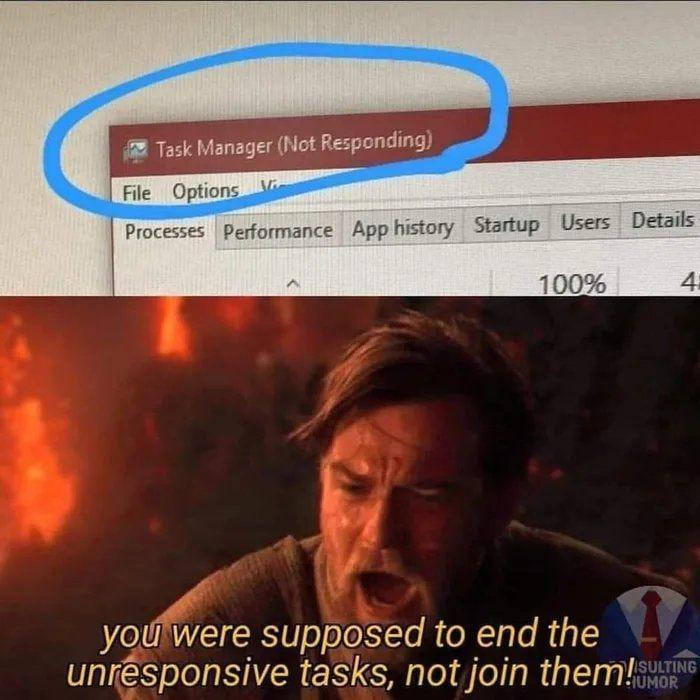
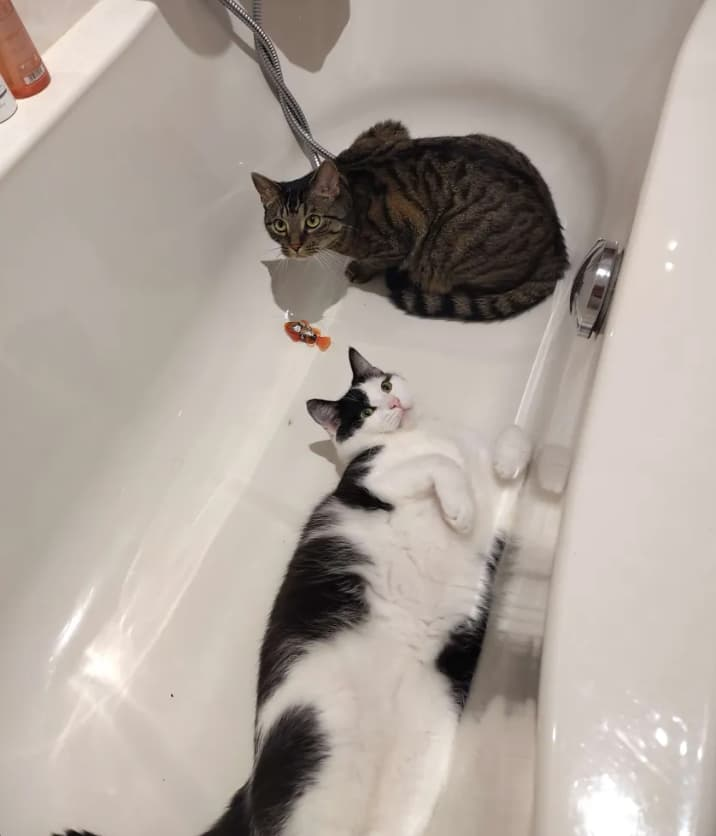
Ctrl+Alt+Delete, Ctrl+Alt+Grief. Wrap UpIt’s time for your weekly dose of cuteness from #scrimba-pets !🐶🐱🐍🐟
Rubber duck debugging, but the duck called in sick. Thank you for reading, everyone! Have a lovely week, keep calm and Scrimba on.
|

Scrimba
Drop your email below for exciting news about the latest Scrimba courses, special offers, career tips, student success stories, tech resources, animal pics, and more!
Hello Reader Happy weekend! Nothing in this edition is finished, and that's kind of the point. A launch that's still collecting votes. Docs meant to get updated as things change. A portfolio built by someone actively asking for feedback on it. Even the roadmap comes with a built in disclaimer: dates are estimates, not promises. Turns out "still in progress" isn't a phase you get through, it's just what building actually looks like. TL;DR ◉ Scrimba Explain: We’ve reached #4 on Product Hunt ◉...
We're live. Scrimba Explain is on Product Hunt right now. Hello Reader, And we're off! Scrimba Explain has just launched on Product Hunt. You may have seen us mention it over the past few weeks: Type a question, and you get an AI-narrated Explainer video back in seconds, either on its own or right inside a scrim when a lesson stops making sense. It's free during the beta. Today it goes in front of a much bigger audience, and the first few hours shape where we land. If you have a few minutes,...
Hello Reader, Building something that runs on your computer is the easy part. Turning it into a product other people can actually use, and keep using as you improve it, is called DevOps (short for "development operations"). Here's what you'll learn, explained: 🐳 Containers and Docker: An app that works on your computer might break on someone else's, because of differences in software versions or settings. Docker solves this by packaging your app with everything it needs into one...